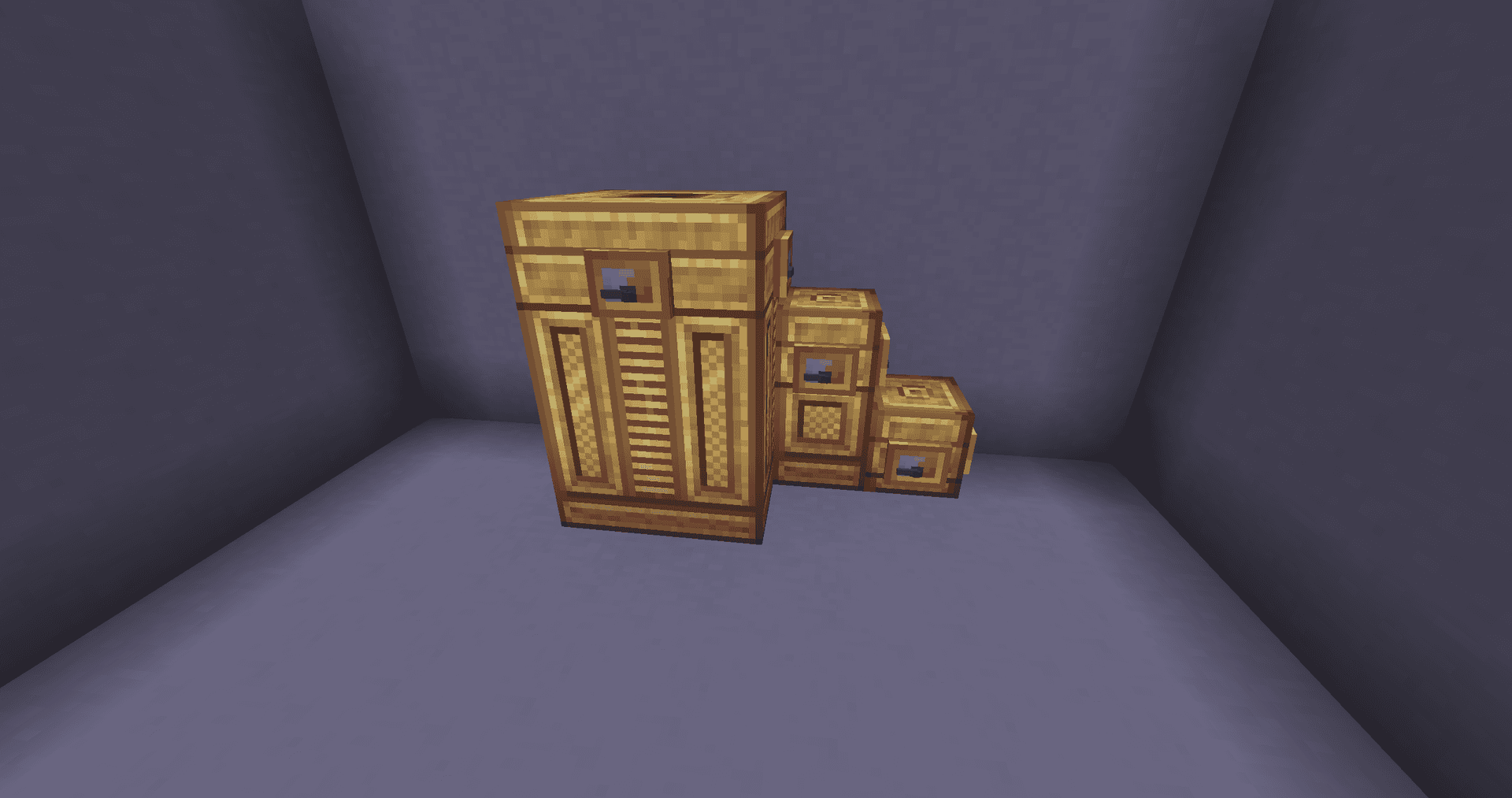
- Minecraft version tested and used for this article: 1.20.1
- Supported version range: 1.15.2 – 1.21.1 (Forge), 1.18.2 – 1.20.1 (Fabric)
- Mod version used for this article: 1.3.4
- Required dependencies: Create (Forge), Create Fabric + Fabric API (for Fabric modpacks)
Create Crafts & Additions is an addon for Create in Minecraft that bridges the kinetic energy of Create machinery with the Forge Energy system. Base Create only works with rotation and stress, while this addon introduces blocks to convert rotation into electricity and vice versa. This allows water wheels and cable networks to coexist in the same world, and any device consuming FE can be powered by a steam engine, windmill, or other rotational sources. Without such a bridge, the two most common systems in tech mods remain completely isolated.
Electric Motor and Alternator
At the core of the mod are two blocks working in opposite directions. The Electric Motor takes Forge Energy and outputs rotational movement — it can power any Create machinery. Its speed is adjustable from -256 to 256 RPM via the block interface, meaning a single setup covers all scenarios where you previously had to calculate gear ratios.
The Alternator performs the reverse role: it takes rotation from a Create shaft and generates electricity. The conversion efficiency is 75% of the theoretical maximum. Paired with a large water wheel, steam engine, or windmill, the Alternator acts as a stable power source that is easily transmitted over distances using cables.
Rolling Mill and Component Crafting
All wires, rods, and spools are crafted using the Rolling Mill. This is a kinetic block: it receives rotation from a Create shaft, and ingots are inserted via the interface — outputting thin sheets, wires, or rods. Without this block, most of the mod's crafting recipes are impossible, so any progression into the electrical system begins here.
Energy Transmission and Storage
Electricity is transmitted using two types of connectors. The Small Connector can pull a wire up to 16 blocks and transfers up to 1,000 FE/t. The Large Connector reaches up to 32 blocks and transfers up to 5,000 FE/t. The cable itself is just a visual string tensioned between connectors without a physical block model, allowing mobs and players to walk freely underneath, and the wires are not damaged by the environment.
Energy storage is handled by the Accumulator — a multiblock structure up to 3×3×5 blocks in size. Each block in the structure holds 2,000,000 FE, so a fully built battery can store tens of millions of energy units. A Redstone Relay is often used alongside the Accumulator: it toggles the energy flow using a standard redstone signal, enabling the creation of timers, emergency shutoffs, and logic control circuits.
Tesla Coil and Portable Energy Interface
The Tesla Coil utilizes stored electricity in two ways. First — to charge items that support FE: tools and armor from other tech mods. Second — to damage living entities within a 3-block radius. Each strike consumes 1,000 FE, deals 1.5 hearts of damage to mobs or 1 heart to players, and applies a "Shocked" effect for one second.
The Portable Energy Interface allows transferring current into moving Create contraptions. It is mostly used on self-moving trains and platforms to charge the machine while in motion or power connected machinery wirelessly. It works in pairs: one block is placed on the static network, the other — on the contraption; when they align within one block of each other, the transfer occurs.
Biofuel and Decoration
A separate feature is biofuel: small plants and seeds are processed into biomass, biomass into pellets, then into intermediate seed oil, and finally bioethanol. The finished liquid fuel is used in Create engines as an alternative to coal and lava. A Straw attached to a Blaze Burner from Create allows it to consume liquid fuels.
For decorative and auxiliary items, there is Chocolate Cake, Honey Cake, Barbed Wire, and Diamond Grit Sandpaper with 1024 uses.
Config
All settings are stored in a single file createaddition-common.toml in the config folder. Changes must be manually synchronized between client and server — the mod does not transfer them automatically. Most parameters manage internal buffers and transfer limits, which rarely need tweaking; below is what is typically modified for custom modpacks or specific playstyles.
| Parameter | What it does |
|---|---|
| fe_at_max_rpm | How much FE/t the Alternator generates and the Electric Motor consumes at 256 RPM. The main balance lever for the mod's entire energy system. |
| max_stress | Maximum stress (SU) the Electric Motor can produce, and the Alternator can handle, at 256 RPM. |
| generator_efficiency | Efficiency of the Alternator (from 0.01 to 1.0). Increase to make generation more rewarding; decrease for harsher progression. |
| small_connector_wire_length | Maximum wire length for the Small Connector in blocks. |
| large_connector_wire_length | The same for the Large Connector. |
| accumulator_capacity | Capacity of a single Accumulator block in FE. |
| accumulator_max_height / accumulator_max_width | Maximum multiblock dimensions (up to 8×8). Allows building truly massive batteries. |
| tesla_coil_hurt_range | Damage radius of the Tesla Coil in blocks. |
| tesla_coil_hurt_mob / tesla_coil_hurt_player | Damage in half-hearts to mobs and players. Usually lowered for PvP servers. |
| barbed_wire_damage | Damage from Barbed Wire upon contact. |
| audio_enabled | Mod sound effects; false — complete silence. |
The remaining sections of the file (motor_capacity, motor_max_input, generator_max_output, pei_max_input, tesla_coil_capacity, etc.) are internal buffers and flow limits for specific blocks. These are rarely changed and mostly for servers with highly specific energy balancing; by default, the values are already well coordinated.
Conclusion
Create Crafts & Additions unites Create's energy system with everything utilizing Forge Energy. Without it, third-party modded machines cannot be powered by water wheels or steam engines in any way. This addon is suitable for those building large industrial complexes with Create in Minecraft and wanting to integrate them with the cable infrastructure of other tech mods — for example, in modpacks with progression from basic mechanics to a full-fledged electrical grid.
Installation
A typical installation takes about 5 minutes. The flow is the same; only the loader and the matching build differ.
- Install a mod loader (Forge, Fabric or NeoForge) that matches your Minecraft version.
- Download the mod file (.jar) built for that same version.
- Place the .jar into your .minecraft/mods folder.
- Launch Minecraft with the modded profile and check the mod loads in-game.