Main Features
Detailed Textures
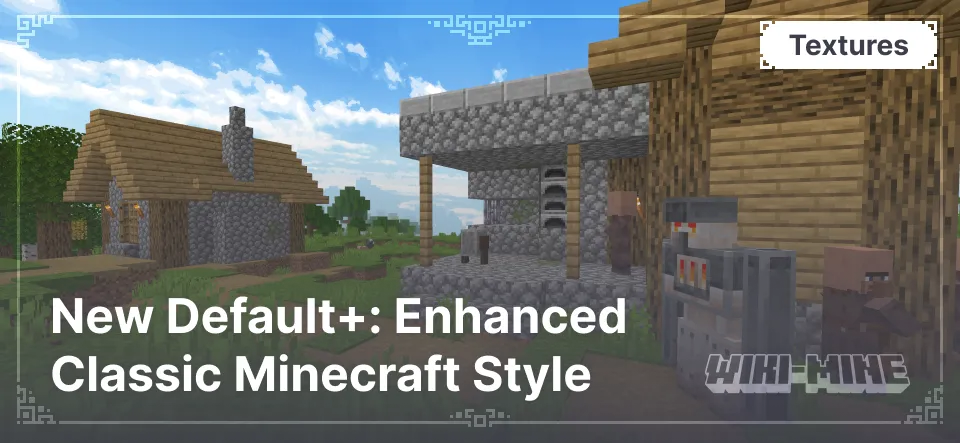
New Default+ enhances the textures of standard blocks, making them sharper and more realistic. Colors are more vibrant, shadows are more natural, and small details add depth without losing the original style.
Improved Environmental Effects
The texture pack refines weather effects, updates water, foliage, and the sky. Rain appears smoother, clouds become softer, and the night sky looks more expressive and atmospheric without requiring shaders.
Item Texture Changes via Renaming
Players can customize item textures by renaming them in an anvil. This allows for changing the appearance of swords, armor, and tools without mods, adding more individuality to the inventory.
Dynamic Textures in Biomes
Blocks and mobs change their textures depending on the biome. For example, trees in snowy biomes are covered in frost, while zombies in deserts appear sun-scorched. These changes make the Minecraft world feel more dynamic and immersive.
Conclusion
New Default+ — is a perfect option for those who want to enhance Minecraft’s visuals while keeping the original charm. It adds more detail, makes the world feel more alive, and avoids unnecessary visual overload. Try it and experience the familiar world from a fresh perspective!
Published under All Rights Reserved (free distribution allowed)
Installation
A typical installation takes about 5 minutes. The flow is the same; only the loader and the matching build differ.
- Download the resource pack (.zip) — keep it zipped.
- In Minecraft open Options -> Resource Packs -> Open Pack Folder.
- Move the .zip into that resourcepacks folder.
- Select the pack so it moves to the right column, then click Done.