Main Features
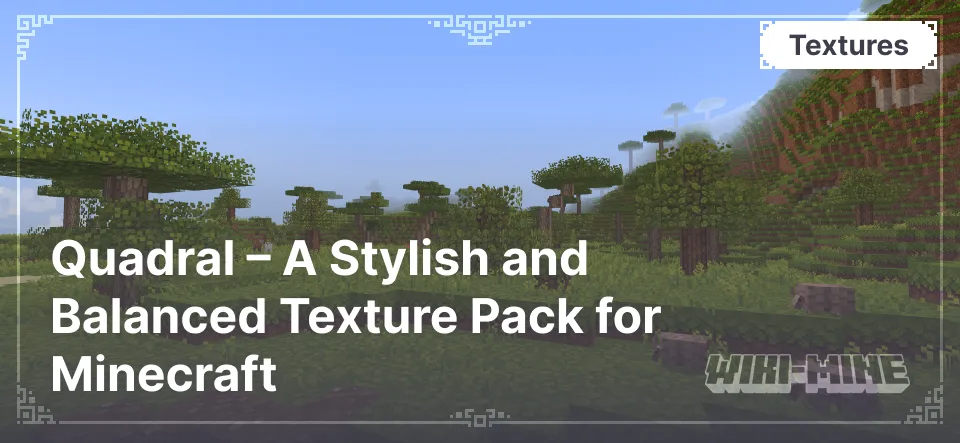
- Vibrant Style: Quadral gives the game a more saturated and detailed appearance while maintaining simplicity and readability in textures.
- Balanced Color Palette: The colors used are not overly saturated, making the gameplay comfortable for the eyes even during long sessions.
- Crisp and Detailed Blocks: The texture pack makes structures in the game more distinguishable, which helps both in building and navigating the terrain.
- Comfortable Atmosphere: The textures create a cozy and harmonious environment, making the gameplay more relaxing.
Vibrant Style: Quadral gives the game a more saturated and detailed appearance while maintaining simplicity and readability in textures.
Balanced Color Palette: The colors used are not overly saturated, making the gameplay comfortable for the eyes even during long sessions.
Crisp and Detailed Blocks: The texture pack makes structures in the game more distinguishable, which helps both in building and navigating the terrain.
Comfortable Atmosphere: The textures create a cozy and harmonious environment, making the gameplay more relaxing.
Conclusion
Quadral — is an excellent choice for players who enjoy a sharp and stylish visual experience without drastically altering the game mechanics. With its well-designed textures and balanced palette, it makes Minecraft more comfortable and aesthetically pleasing.
Published under All Rights Reserved (free distribution allowed)
Installation
A typical installation takes about 5 minutes. The flow is the same; only the loader and the matching build differ.
- Download the resource pack (.zip) — keep it zipped.
- In Minecraft open Options -> Resource Packs -> Open Pack Folder.
- Move the .zip into that resourcepacks folder.
- Select the pack so it moves to the right column, then click Done.