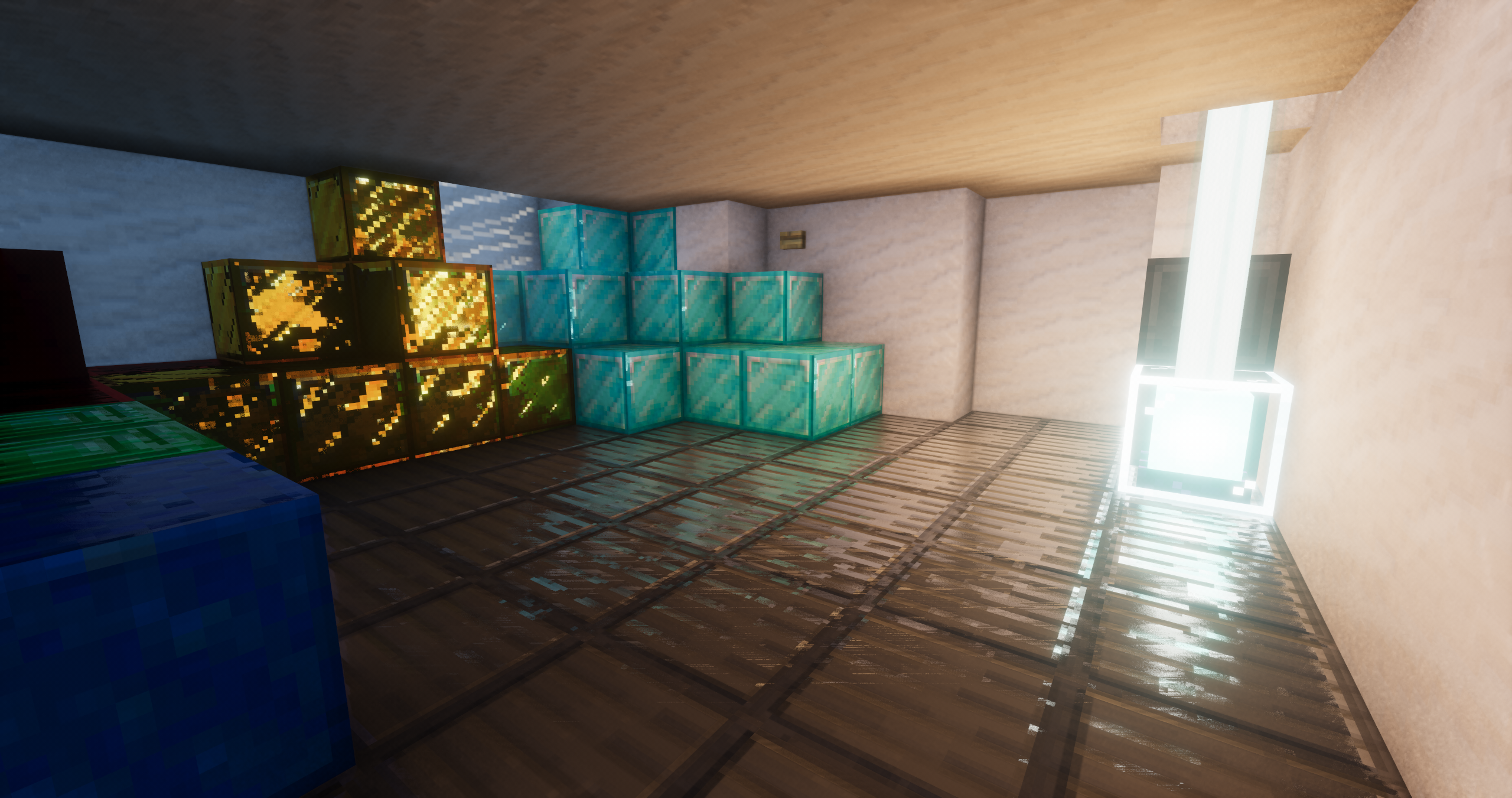
Shrimple — shaders for a colored-lighting look in Minecraft
Shrimple is a Minecraft shader pack that keeps the vanilla look of the game and only adds effects on top of it: soft shadows, colored lighting, and optional reflections layered over the standard style. The world stays recognizable, and the load on your graphics card stays low. Each effect is toggled independently, so you can tune the picture anywhere from nearly vanilla to noticeably enhanced.
Visual features
The pack is built around several effects, each of which can be turned off separately:
- Lighting. Colored light is calculated with a flood-fill algorithm: torches, lava, and glowstone tint neighboring blocks in their own hue.
- Shadows. Soft shadows from the sun and moon; there are sharp and smoothed variants.
- Water and glass. Screen-space reflections mirror surfaces that are on-screen.
- Atmosphere. Volumetric light in fog and bloom from bright sources add depth at dawn and in overcast weather.
- Vegetation. Grass and leaves sway slowly and subtly.
Lighting. Colored light is calculated with a flood-fill algorithm: torches, lava, and glowstone tint neighboring blocks in their own hue.
Shadows. Soft shadows from the sun and moon; there are sharp and smoothed variants.
Water and glass. Screen-space reflections mirror surfaces that are on-screen.
Atmosphere. Volumetric light in fog and bloom from bright sources add depth at dawn and in overcast weather.
Vegetation. Grass and leaves sway slowly and subtly.
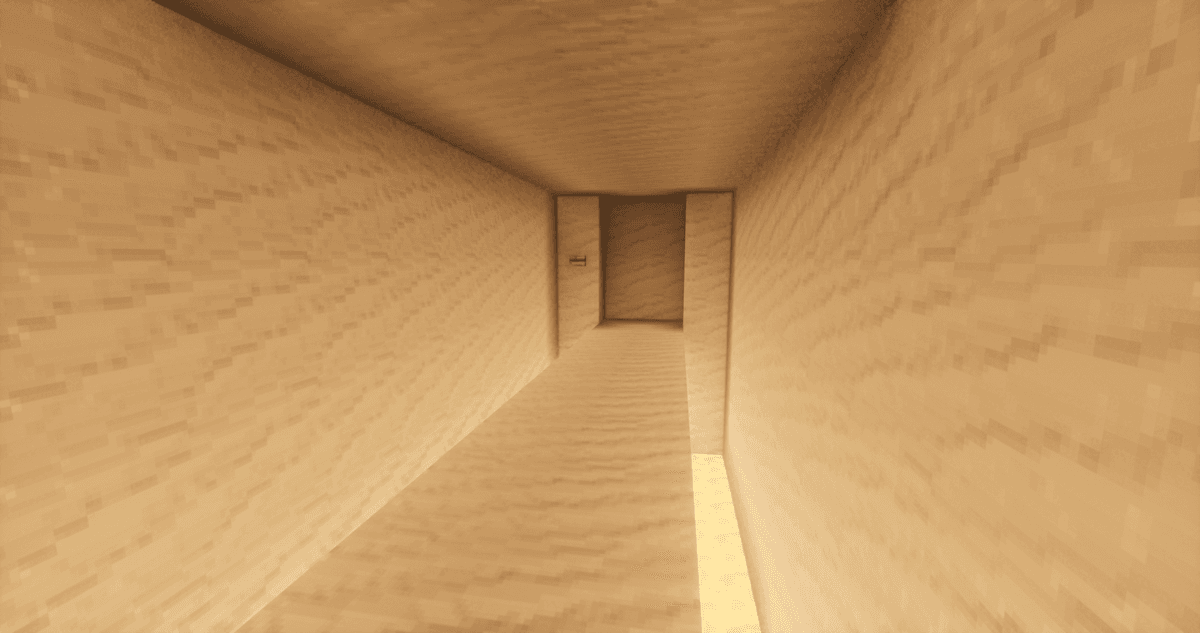
Soft lighting in a dark room
Ray tracing is not part of the base pack — the author themselves removed the separate "RTX" profile. Traced shadows from block light, world-space reflections, and global illumination come back by installing the Photonics add-on on top of the shaders in Iris.
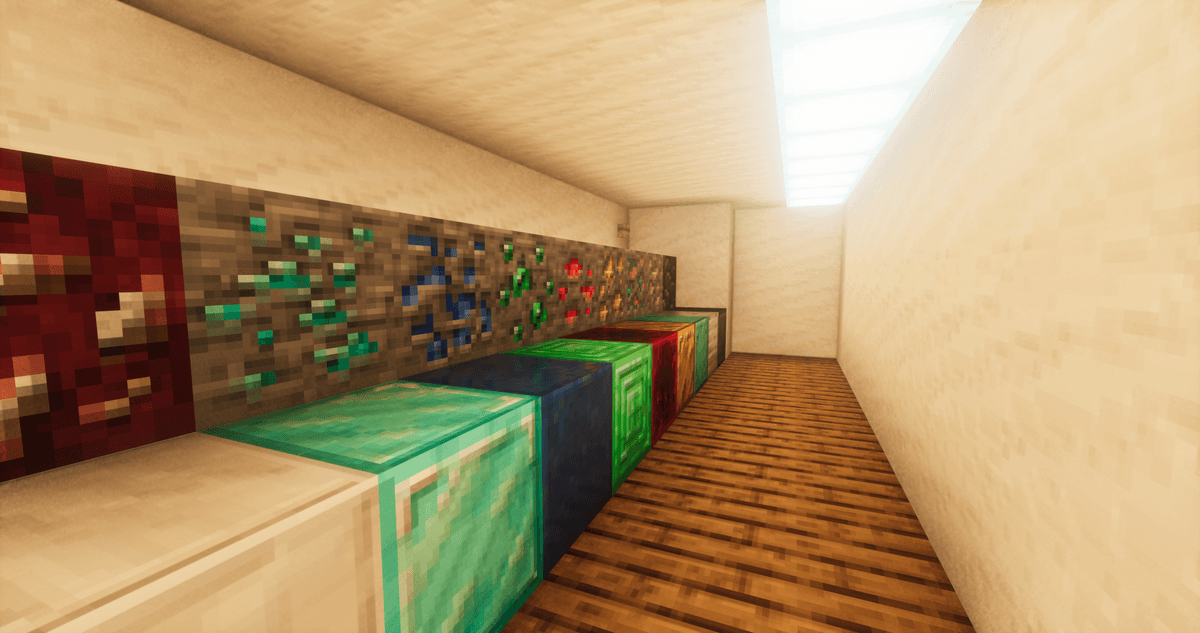
Light falls on a variety of blocks
Performance
The pack targets low- and mid-end hardware: the heaviest effects (reflections, smoothed shadows, tracing via Photonics) are disabled by default or moved into separate options.
Settings
The main parameters affecting the balance between quality and FPS:
- Shadows — type (sharp / soft) and distance.
- Colored lighting — enabling the flood-fill and its radius; a larger radius extends the colored area but adds more load.
- Anti-aliasing — TAA with a sharpening filter (CAS) against jagged edges.
- Parallax (POM) — surface relief on compatible textures; there are smoothed and sharp methods.
- World brightness — adjusts the overall lighting of the scene.
Shadows — type (sharp / soft) and distance.
Colored lighting — enabling the flood-fill and its radius; a larger radius extends the colored area but adds more load.
Anti-aliasing — TAA with a sharpening filter (CAS) against jagged edges.
Parallax (POM) — surface relief on compatible textures; there are smoothed and sharp methods.
World brightness — adjusts the overall lighting of the scene.
Resource pack compatibility
Shrimple reads PBR data from packs in the OldPBR and LabPBR formats, so relief (POM), normal maps, and specular highlights work — but in a simplified form, without the full set of heavy realistic shader features. Regular packs without PBR also work: in that case, basic lighting applies without additional relief.
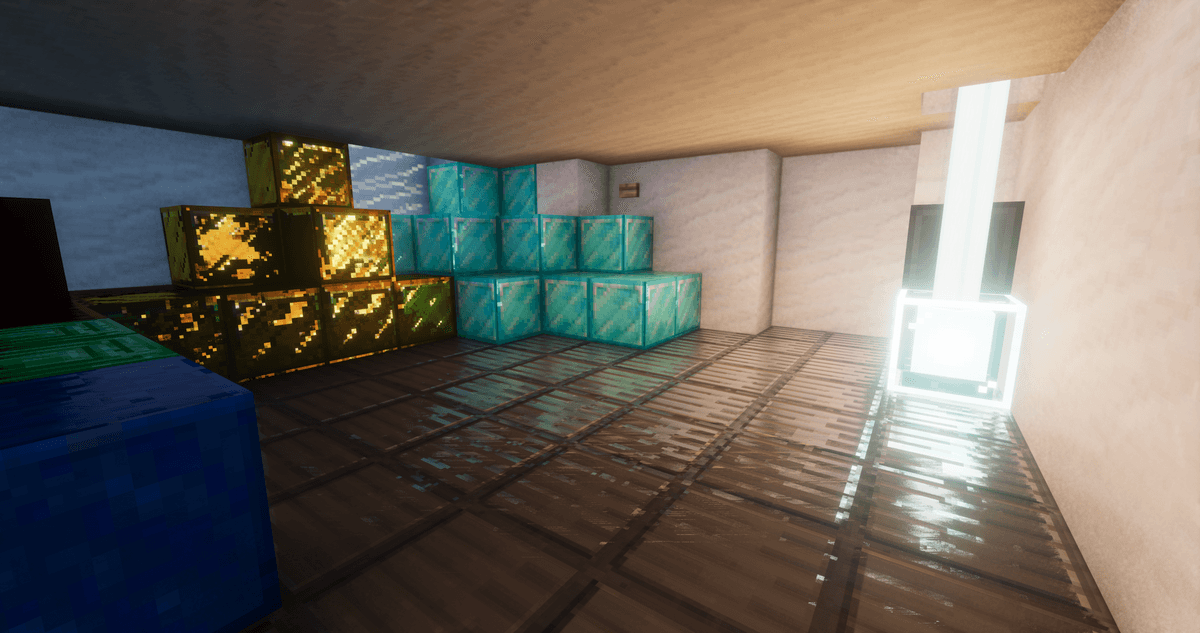
A room lit by a beacon
Conclusion
Shrimple adds shadows, colored light, and a light touch of atmosphere without breaking Minecraft's vanilla look or eating up much FPS. It suits players surviving on mid-range or older PCs who want a cosmetic upgrade without heavy shaders.
Installation
A typical installation takes about 5 minutes. The flow is the same; only the loader and the matching build differ.
- Install a shader loader: OptiFine, or Iris + Sodium for better performance.
- Download the shader pack (.zip).
- Open Options -> Video Settings -> Shaders -> Shaders Folder and drop the .zip in.
- Click the shader pack in the list to enable it.