Main Features
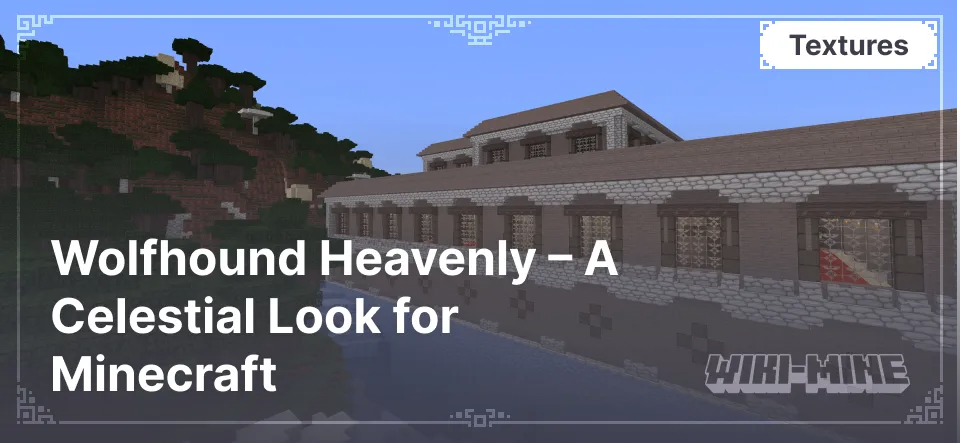
- Light Color Palette: The dominance of white stone and pastel shades gives the world a fresh and clean look. This style is perfect for those who appreciate lightness and tranquility in the game, allowing them to enjoy a bright and soothing environment.
- High Detail: Each texture is carefully designed, adding depth and realism to the game world. Detailed elements highlight architectural features and natural objects, making them more expressive.
- Consistent Style: All elements, from blocks to the interface, are designed in a harmonious and consistent style, ensuring a cohesive experience. This allows players to fully immerse themselves in the texture pack's atmosphere and enjoy the seamless design of the game world.
- Reworked Mob Textures: Many creatures have received a new, softer, and more stylized look. This makes them appear less aggressive while adding extra aesthetics to the game.
- Unique Interface Design: Menus and icons are created in a unified airy style, matching the overall concept of the texture pack. The interface is not only more beautiful but also easier to navigate, making the game even more enjoyable.
- Perfect for Decorative Builds: The textures are ideal for creating temples, gardens, and fantasy-style buildings. Combined with natural elements and thoughtful architecture, players can create unique landscapes and cozy locations.
Variants of the Wolfhound Texture Pack
The creator offers several variations, each bringing a unique atmosphere to the game:
- Wolfhound Classic Medieval: Immerses players in a medieval atmosphere with dark and detailed textures, perfect for building castles and fortresses.
- Wolfhound Fantasy: Adds magical elements to the game with dominant purple hues, creating a fairy-tale and mysterious ambiance.
- Wolfhound Heavenly: Introduces a bright and cheerful style, making the Minecraft world more vibrant and carefree.
- Wolfhound Dungeon: Creates a dark and eerie atmosphere, perfect for fans of exploring deep dungeons.
- Wolfhound Asian: Inspired by East Asian culture, incorporating elements characteristic of Chinese and Japanese architecture and art.
- Wolfhound Fairy: Transforms the game into a fairy-tale world with soft and pastel colors.
- Wolfhound Seasons: Features different seasons, including winter, summer, and autumn, changing the world's appearance based on the time of year.
Each of these variants allows players to customize the game’s appearance according to their personal preferences, creating a unique atmosphere.
Conclusion
The Wolfhound Heavenly texture pack — is an excellent choice for those who want to refresh Minecraft’s appearance and give it a lighter and more radiant feel. With high detail and a harmonious color palette, this texture pack can completely transform the game world and make it even more captivating.
Published under All Rights Reserved (free distribution allowed)
Installation
A typical installation takes about 5 minutes. The flow is the same; only the loader and the matching build differ.
- Download the resource pack (.zip) — keep it zipped.
- In Minecraft open Options -> Resource Packs -> Open Pack Folder.
- Move the .zip into that resourcepacks folder.
- Select the pack so it moves to the right column, then click Done.